RDR2 Mods and Red Dead Online: Why We Keep Them Completely Apart
By GameModeShop Editors4 min read
Quick answer
Yes, using mods in Red Dead Online can get your account suspended or banned, and Rockstar does not publish exactly what it detects. Single-player Story Mode mods are a long-tolerated part of PC play, but the same folder launches Online. Our rule: remove every mod file and tool before going online, or keep a separate clean install.
The short answer
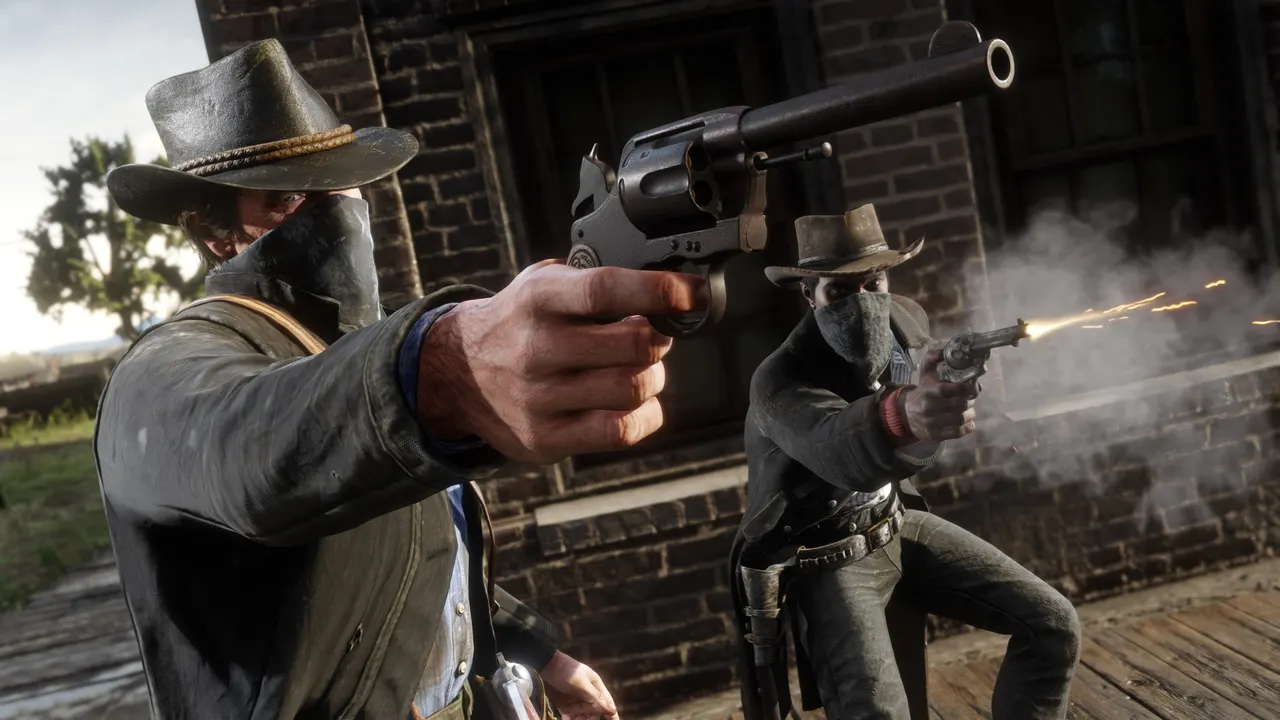
If you mod Red Dead Redemption 2 on PC, you are sharing one game install between two very different worlds. Story Mode is single-player, and PC players have modded it openly for years. Red Dead Online is a live service with other players, an in-game economy, and Rockstar's terms of service governing what you can do.
Our position is simple and we don't think it needs nuance: no mods in Red Dead Online, ever, and no mod files in the game folder when you launch it. Not "only cosmetic ones", not "the trainer is turned off", not "everyone does it". If you want to understand the toolset first, the Red Dead Redemption 2 hub has the overview.
Why Online is a different category
Story Mode modding hurts nobody. You change your own game, your own save, your own experience. Online is different for three reasons.
Other players are affected. Anything that gives you an advantage, spawns items, changes your speed or touches other players' sessions is cheating, full stop. We don't cover it and we won't help with it.
Your account is at stake. Rockstar can suspend or ban accounts and wipe progress. Your Rockstar account may also hold other games, so the cost of a mistake can go beyond one character.
Nobody outside Rockstar knows the exact rules of detection. Rockstar does not publish what its systems look for or what counts as a violation for each tool. Any forum post claiming a specific mod is "100% safe online" is guessing. When the downside is your account and the upside is a slightly prettier sunset, guessing is a bad trade.
The "harmless mod" trap
The most common way well-meaning players get into trouble isn't cheating. It's forgetting.
You install a handful of Story Mode mods. Weeks later, a friend asks you to join a posse. You click Online from the main menu, and your dinput8.dll, a trainer .asi, and a folder of LML replacements all come along for the ride. You never opened a menu or changed anything, but your game is no longer the game Rockstar shipped.
Some script tools are designed to stop working in online modes. That's good behavior, and the community expects it, but we would never rely on it. A tool's self-imposed limits are the author's best effort, not a promise backed by Rockstar.
A routine that makes mistakes hard
We'd pick one of these two setups and stick with it.
Option 1: The "mods off" folder
Create a folder next to your game, called something like RDR2 mods (off). Before going online:
- Close the game completely.
- Move Script Hook RDR2's files, every
.asiand its config files, Lenny's Mod Loader and itslmlfolder into the "off" folder. - Run your store's file verification (Steam, Epic or the Rockstar Games Launcher) to restore any original file a mod replaced directly.
- Launch the game and go online.
To mod again, move everything back. It's manual, which is exactly why it works: you can see the state of your game.
Option 2: Two separate installs
If you have the disk space, keep one install that is always vanilla for Online and one for modded Story Mode. This is more work to set up and update, but the separation is physical. Many players find that worth it, particularly if they play Online regularly.
What we don't recommend is a clever one-click toggle script you found somewhere. If it fails silently, you won't know until it matters.
What about ReShade, overlays and "cosmetic" mods?
This is where people argue most. Visual tweaks feel innocent because they don't change gameplay. Some players use them online without problems, and some tools are widely used across many online games.
But "lots of people do it" is not the same as "it's allowed", and Rockstar hasn't given a clear public list for Red Dead Online. Our editorial line: if you would be upset to lose your account, play Online vanilla. Save your visual presets for Story Mode, where the lighting work in RDR2 shines anyway.
What about private servers and role-play?
On GTA V, role-play servers through FiveM are a big part of the modding story, and our GTA V online ban risk piece covers that. Red Dead has its own community role-play platforms, but they're a separate world with their own rules, and they're not Red Dead Online. If you explore them, follow each server's rules and install only what that platform tells you to, through its official channels.
Our take
Modding Red Dead Redemption 2 is one of the best things you can do with the PC version. Enjoy it fully, in Story Mode. But treat Red Dead Online as a separate game that happens to share a folder, and make "empty the folder first" a reflex rather than a decision you make each time.
The reason we're strict isn't moral panic about mods. It's that the risk is asymmetric. Leaving mods out of Online costs you nothing but a minute of moving files. Leaving them in can cost you an account you've played for years, with no appeal process you control.
If you haven't set up mods yet, our RDR2 installation guide keeps everything in a few known files and one lml folder, which is exactly what makes this routine easy. And if online play is what you love most, consider games built for modded multiplayer, like the Valheim hub or Minecraft hub, where mods and friends coexist by design.
People also ask
Will I get banned for using mods in RDR2 Story Mode?
Story Mode modding on PC has been widespread for years, but it is never officially guaranteed safe. The real danger is carrying mod files or modified game data into Red Dead Online.
Is it safe to launch Red Dead Online with Script Hook RDR2 installed if I don't use any mods?
We would not do it. Remove Script Hook, every .asi file and Lenny's Mod Loader first, instead of relying on any tool to switch itself off online.
Are ReShade or graphics mods safe in Red Dead Online?
Rockstar has not published a clear list of allowed tools, so we can't call any of them safe. If losing your account would hurt, play Online fully vanilla.
What happens to my Red Dead Online account if I'm banned?
Rockstar can suspend or ban accounts and reset progress. Penalties are handled by Rockstar's support and terms of service, not by modders, and there is no mod-side fix.
Everything else about modding Red Dead Redemption 2 lives on one page.
Open the Red Dead Redemption 2 hub