
Quick answer
Euro Truck Simulator 2 has a built-in Mod Manager, so you need no extra tools. Subscribe to mods on Steam Workshop or place .scs files in Documents\Euro Truck Simulator 2\mod, then activate and order them per profile in the in-game Mod Manager. Start with a few small mods on a new profile before attempting map combinations.
What modding Euro Truck Simulator 2 is like
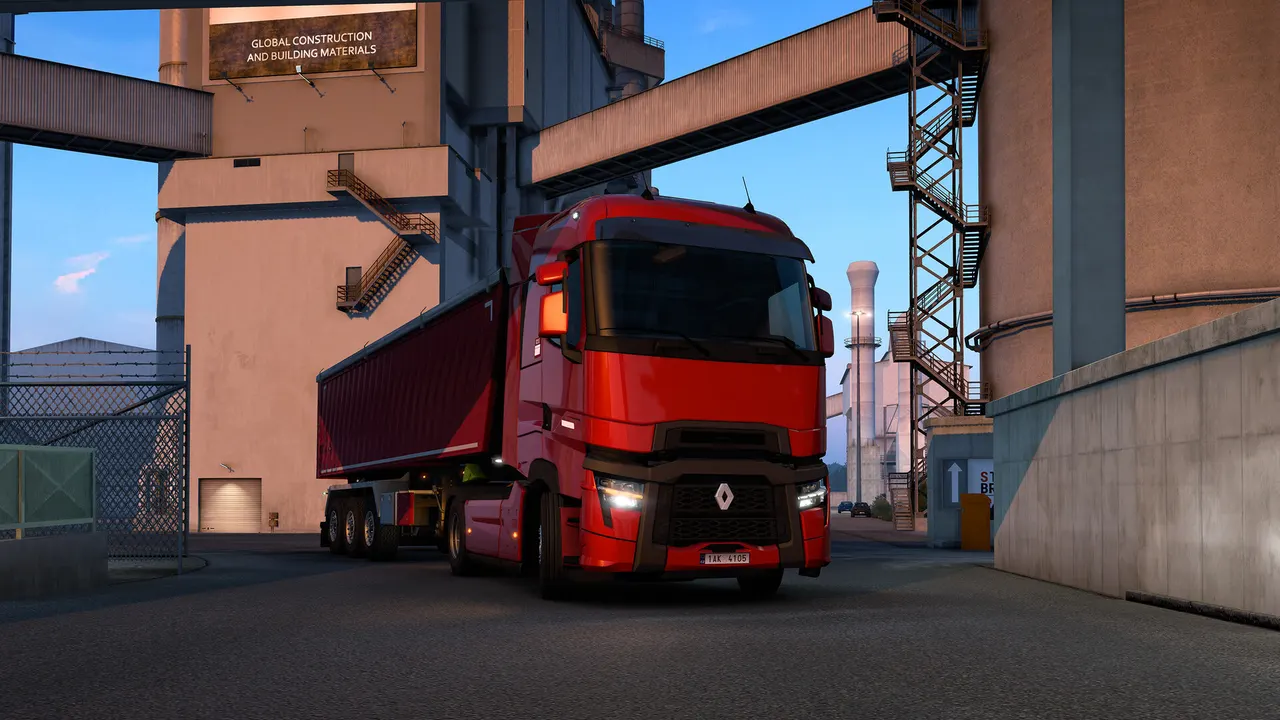
Euro Truck Simulator 2 is one of the easiest big PC games to mod. SCS Software built a Mod Manager into the game, supports Steam Workshop, and has kept the mod format stable for years. Mods are single .scs archive files that the game reads directly, so there is nothing to extract into the game folder and nothing to patch.
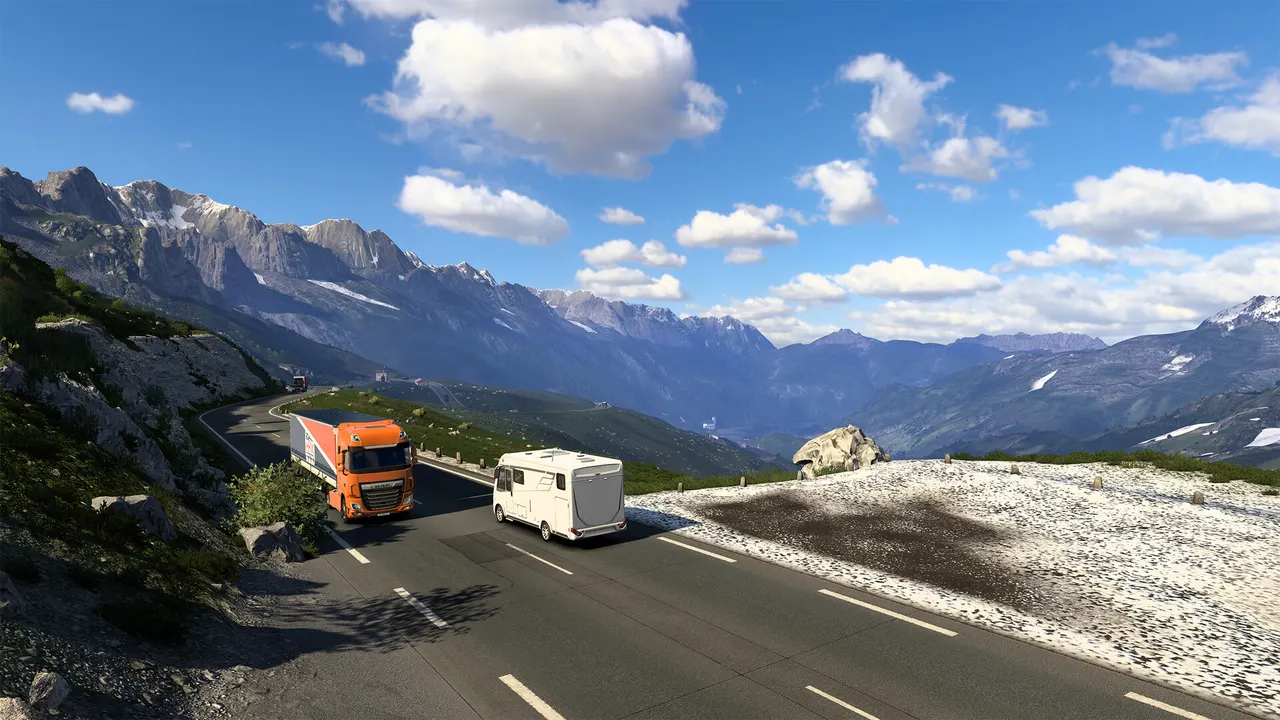
The scene is huge and covers trucks, trailers, sounds, traffic, physics, graphics tweaks and entire map expansions. Map mods are the most ambitious part: community projects like ProMods add large amounts of detailed road network on top of SCS's official maps and DLCs.
The trade-off is that SCS updates the game regularly, and major updates can break mods until their authors catch up. Map mods are the most sensitive. Fortunately, SCS keeps previous game versions available as Steam beta branches, which gives you a clean way to wait out an update.
There is also an official route for paid content: SCS sells truck, trailer and map expansions as DLC. Community mods sit on top of those, and many large mods assume you own specific DLCs. Knowing what you own saves a lot of confusion later.
Before you install anything
- Run the game once. The
modfolder inDocuments\Euro Truck Simulator 2appears after the first launch. - Make a fresh profile for modding. Mods are activated per profile. A separate profile keeps your main career safe while you experiment.
- Back up your profiles. Copy the
profilesfolder (andsteam_profilesif you use Steam Cloud) fromDocuments\Euro Truck Simulator 2before big changes. - Know your DLCs. Many map mods require specific official map DLCs. Check a mod's requirements before downloading it.
- Know your game version. It is shown on the main menu. Mod pages state which version they support.
Mods worth starting with
| Category | Risk | Notes |
|---|---|---|
| Sounds | Low | Engine and interior sounds are a big immersion upgrade and rarely conflict. |
| Trucks and trailers | Low | Self-contained additions. Trucks usually appear at in-game dealers; check each mod's page for where to find it. |
| Graphics and weather | Low to medium | Can conflict with each other. Use one of each kind. |
| Traffic and AI | Medium | Traffic packs often overlap. Stick to one main traffic mod plus its own add-ons. |
| Physics and economy tweaks | Medium | Changes how the game feels. Easy to overdo. |
| Map mods | High | Version-sensitive and need correct ordering. Do these last. |
Our take: start with sounds and one or two trucks you actually want to drive. Those are where ETS2 mods feel best for the least risk. Map mods are the most exciting part of the scene, but they deserve a dedicated profile and some reading first.
How people break their game
- Updating the game before mods catch up. If your setup depends on map mods, stay on the previous version via Steam betas until they update.
- Wrong priority. In the Mod Manager, mods at the top of the active list override those below. A small tweak placed under a big overhaul may do nothing.
- Stacking overlapping mods. Two traffic packs, two weather mods, or two physics mods often edit the same definitions. The higher one wins, silently.
- Removing a map mod while parked inside it. If your truck, garage or job sits on roads a removed map added, the profile can fail to load. Remove map mods only on a profile you can lose, or drive back to the base map first.
- Ignoring the version warning. The Mod Manager flags mods that declare an older game version. Some still work, but treat the warning as a reason to check the mod page.
- Re-uploads. Download from the Workshop, the SCS forum, or the author's own site, never from aggregator pages that repackage mods.
Where to go next
Our ETS2 mod installation guide walks through Workshop and manual installs, ordering and testing. When you are ready for bigger maps, read our guide on combining ETS2 map mods.
If you like driving games with deep mod scenes, the Assetto Corsa hub is a good next stop, or browse all games we cover.
Euro Truck Simulator 2 modding FAQ
Where do ETS2 mods go?
Manually downloaded mods go in Documents\Euro Truck Simulator 2\mod as .scs or .zip files. Steam Workshop mods are handled automatically and appear in the in-game Mod Manager after you subscribe.
Why did my ETS2 mods stop working after an update?
Major game updates change game data that mods rely on, especially maps, trucks and physics. Wait for mod authors to update, or switch to the previous game version through the Betas tab in the game's Steam properties.
Can I use mods in ETS2 multiplayer?
In SCS's own Convoy mode, keep everyone on the same set of map mods. TruckersMP, the separate community multiplayer client, has its own rules and does not allow most mods, though it runs dedicated servers for ProMods.
Are ETS2 mods per profile?
Yes. Mod activation and order are saved per profile, which is why a separate profile for each big mod setup is a good habit.
Last updated 2026-11-23