Quick answer
Most Cyberpunk 2077 mods need a few core frameworks: Cyber Engine Tweaks, RED4ext, redscript, ArchiveXL and TweakXL. Install only the ones your mods list as requirements, each from its official Nexus Mods page, by extracting into the game's root folder. Back up your saves first, and after every game patch wait for those frameworks to update before launching a modded game.
What modding Cyberpunk 2077 is like
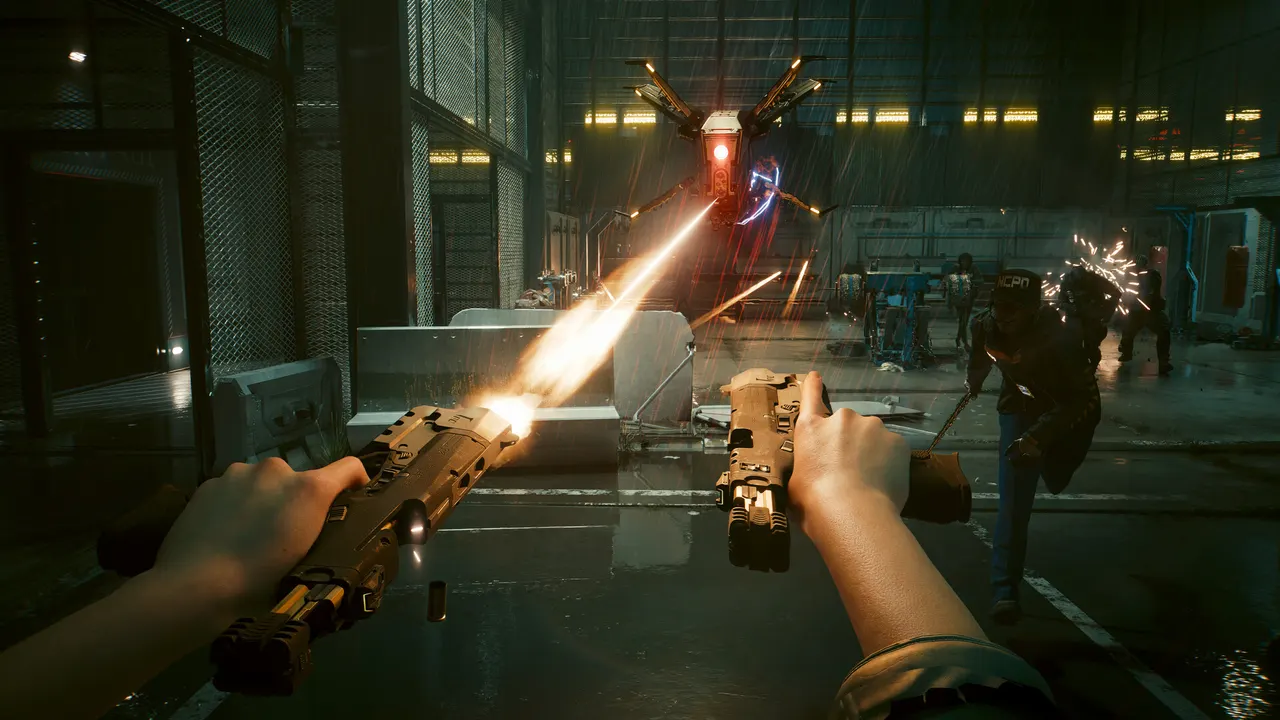
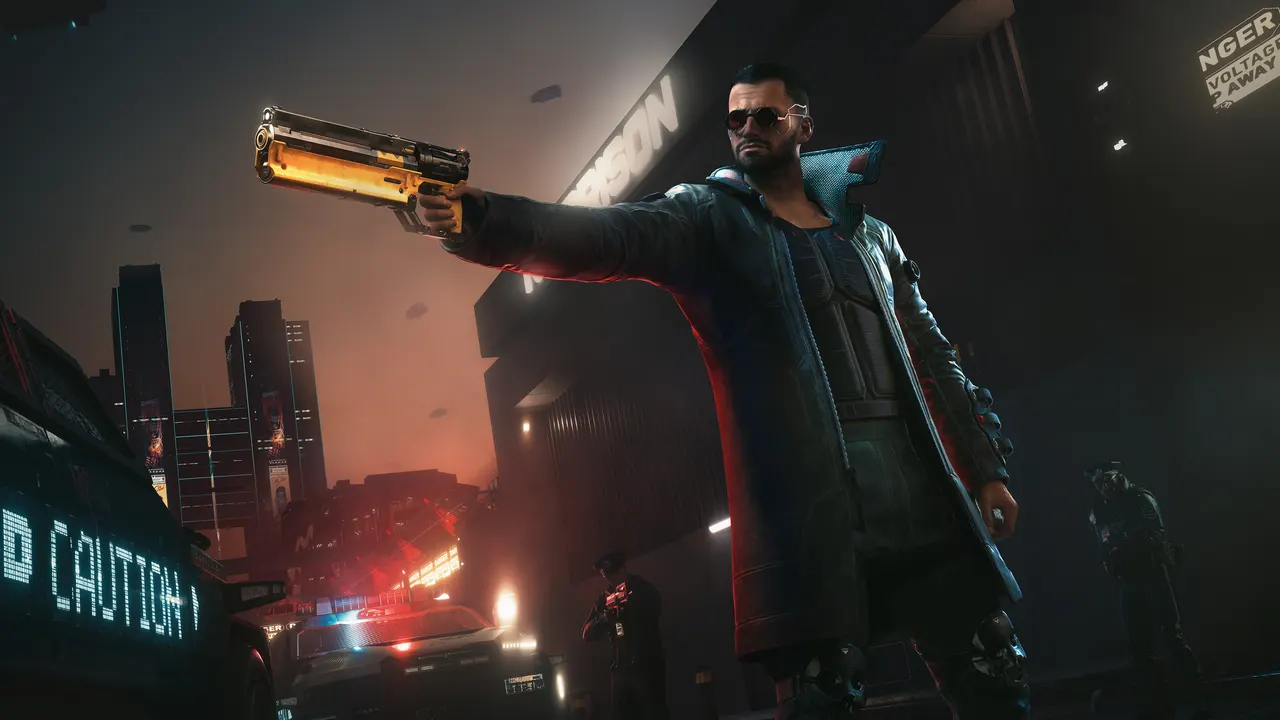
Cyberpunk 2077 has a deep and technically impressive mod scene, built on a stack of community frameworks rather than one loader. Players can add clothing systems, overhaul combat, rework the UI, add new photo mode tools and much more. In exchange, you have to understand a few moving parts.
The core pieces:
- Cyber Engine Tweaks (CET): a scripting framework with an in-game overlay. Many mods use it to add menus and Lua-based features.
- RED4ext: a native plugin loader that other frameworks build on.
- redscript: a compiler for the game's script language, used by many gameplay and UI mods.
- ArchiveXL and TweakXL: frameworks for loading new game assets and changing game records without overwriting base files.
- Codeware: a library many redscript and CET mods depend on.
CD Projekt Red also ships its own official system, REDmod, as a free DLC with tools for building and loading mods. Some mods use it, but most of the scene runs on the community frameworks above.
Nearly everything is hosted on Nexus Mods, and Vortex has official Cyberpunk support. The community-run Cyberpunk modding wiki documents the frameworks and their folder structure in detail.
The ecosystem is mature but fragile around patches. The big 2.0 update that launched alongside Phantom Liberty changed so much that many older mods never returned. Smaller patches still stall the frameworks for a while, and when they stall, everything that depends on them stops working.
What you need before installing anything
- The PC version on Steam, GOG or Epic. Mods are PC-only.
- An up-to-date game. Frameworks target the current patch. Running an old patch with new frameworks, or the reverse, is the most common cause of crashes.
- A save backup. Saves live in
Saved Games/CD Projekt Red/Cyberpunk 2077in your user folder. Copy it before installing anything. - Either Vortex or a careful manual habit. Most mods are archives you extract into the game root, and their folder structure already places files correctly.
Mods worth starting with
We'd build up in layers:
- Frameworks, only as needed. Install CET, RED4ext, redscript, ArchiveXL, TweakXL and Codeware when a mod you want lists them. Most players end up with all of them, but there is no reason to install a framework nothing uses.
- Settings and menus. Native Settings UI and Mod Settings add in-game settings pages that many mods use, so you can configure mods without editing files.
- Visuals and appearance. Appearance Menu Mod (AMM) is a long-running CET mod for spawning and customizing characters, popular with photo mode users. Equipment-EX adds a flexible outfit system so you can look how you want without wearing worse gear.
- Gameplay overhauls, last. Combat, economy and progression overhauls change the game's balance the most and are the most likely to conflict. Add one at a time.
Our take: for a first modded run, pick two or three mods you actually want, install only the frameworks they require, and play for a while. Cyberpunk is a game where the base experience is now strong; heavy overhauls are better saved for a second playthrough, when you know what you want changed.
How people break their game
- Launching right after a patch. Frameworks need updating after most game updates. Launching with outdated ones causes crashes on startup or script errors.
- Mismatched framework versions. A mod built for the newest ArchiveXL won't work on an old one. Update the frameworks together.
- Extracting to the wrong folder. Mods expect to be extracted into the game root, where
bin,archiveandr6live. Extracting into a subfolder breaks the paths. - Ignoring redscript errors. When a script fails to compile, the game shows an error naming the file. Read it; it usually points at one outdated mod.
- Overlapping mods. Two mods that both change the same system, such as two combat overhauls, rarely combine well.
Where to go next
Start with our step-by-step guide to installing Cyberpunk 2077 mods. Then read Cyberpunk 2077 mod frameworks explained to understand what CET, RED4ext, ArchiveXL, TweakXL and redscript each do.
For another big RPG with a newer official mod system, see the Baldur's Gate 3 hub, or browse all titles on the games page.
Cyberpunk 2077 modding FAQ
Do Cyberpunk 2077 mods work on console?
No. Mods are a PC-only feature for Cyberpunk 2077, whether installed manually, through Vortex or through CD Projekt Red's REDmod system.
Will Cyberpunk 2077 mods get me banned?
Cyberpunk 2077 is single-player with no competitive online mode, so there is no ban system for mods. Your real risks are crashes and save problems after game updates.
Should I use Vortex or install Cyberpunk 2077 mods manually?
Both work. Vortex has official Cyberpunk support and makes uninstalling easy. Manual installs are simple too, since most mods extract straight into the game folder, but you must track what you added yourself.
What is the first thing to do after a Cyberpunk patch?
Don't launch your modded game straight away. Check whether Cyber Engine Tweaks, RED4ext, redscript, ArchiveXL, TweakXL and Codeware have updates, and install those before anything else.
Last updated 2026-11-23