Quick answer
RimWorld mods need nothing beyond the game: subscribe on Steam Workshop or drop mod folders into the game's Mods folder, then enable them in the in-game Mods menu. Most mods depend on Harmony, which must load first. Before you install much, get a sorting tool such as RimSort and start a new colony for your first modded game.
What modding RimWorld is like
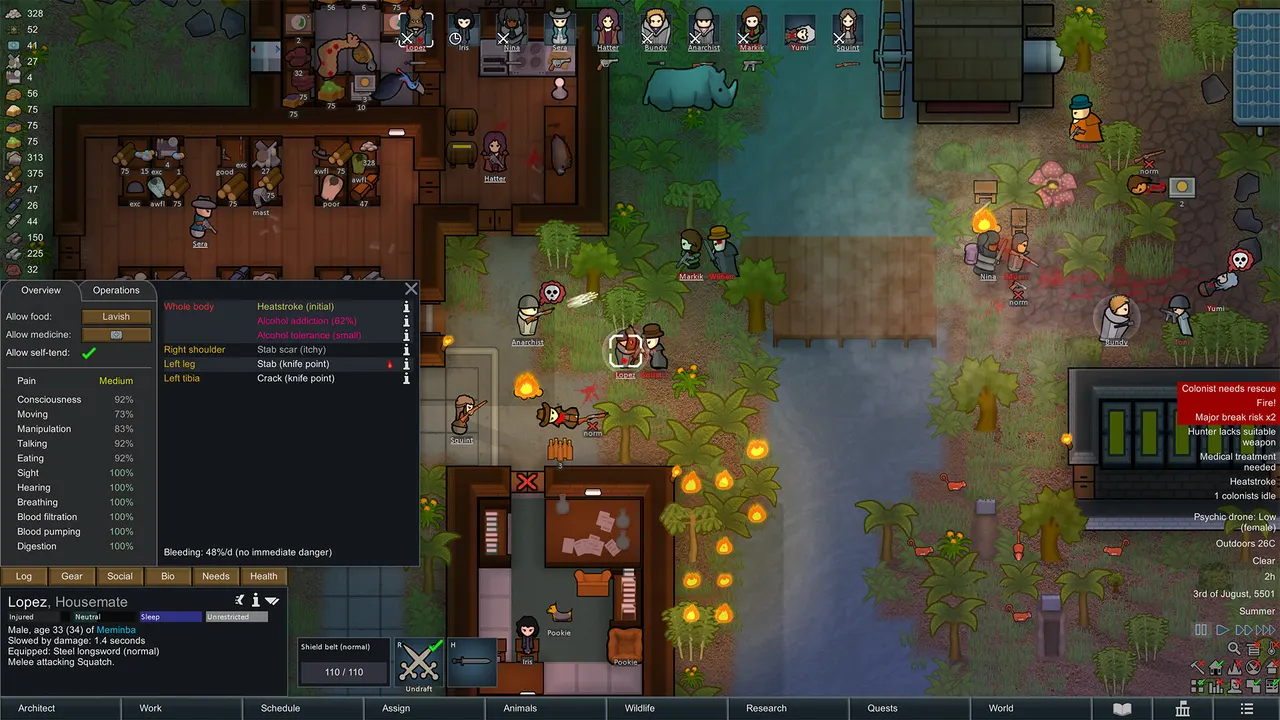
RimWorld has one of the largest and most active mod scenes of any strategy game, and Ludeon designed the game to be moddable from the start. Most game content is defined in XML, which makes simple content mods easy to make, and code mods hook into the game through Harmony, a patching library that nearly every serious mod relies on.
Almost everything lives on the Steam Workshop, with some mods also on the Ludeon forums and GitHub. The in-game Mods menu lets you enable mods, reorder them and see missing dependencies. For bigger lists, the community uses external managers, most notably RimSort, which sorts load order automatically using each mod's declared rules plus a shared community rules database.
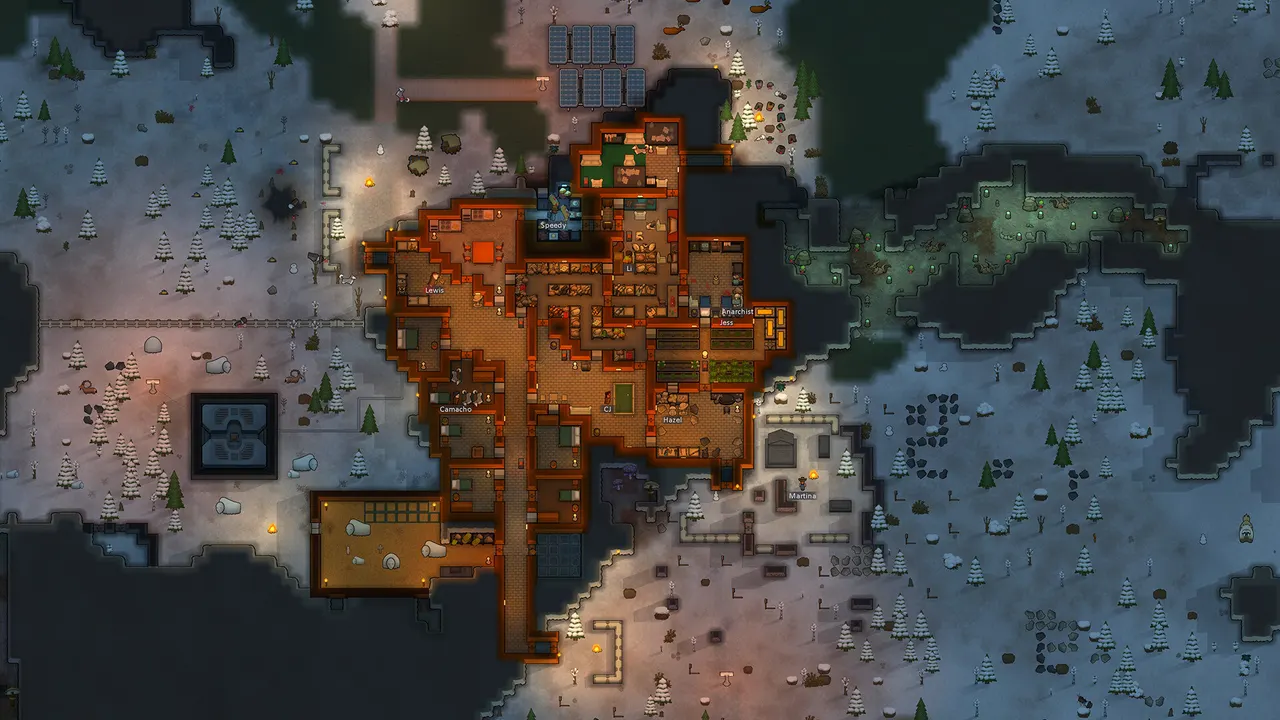
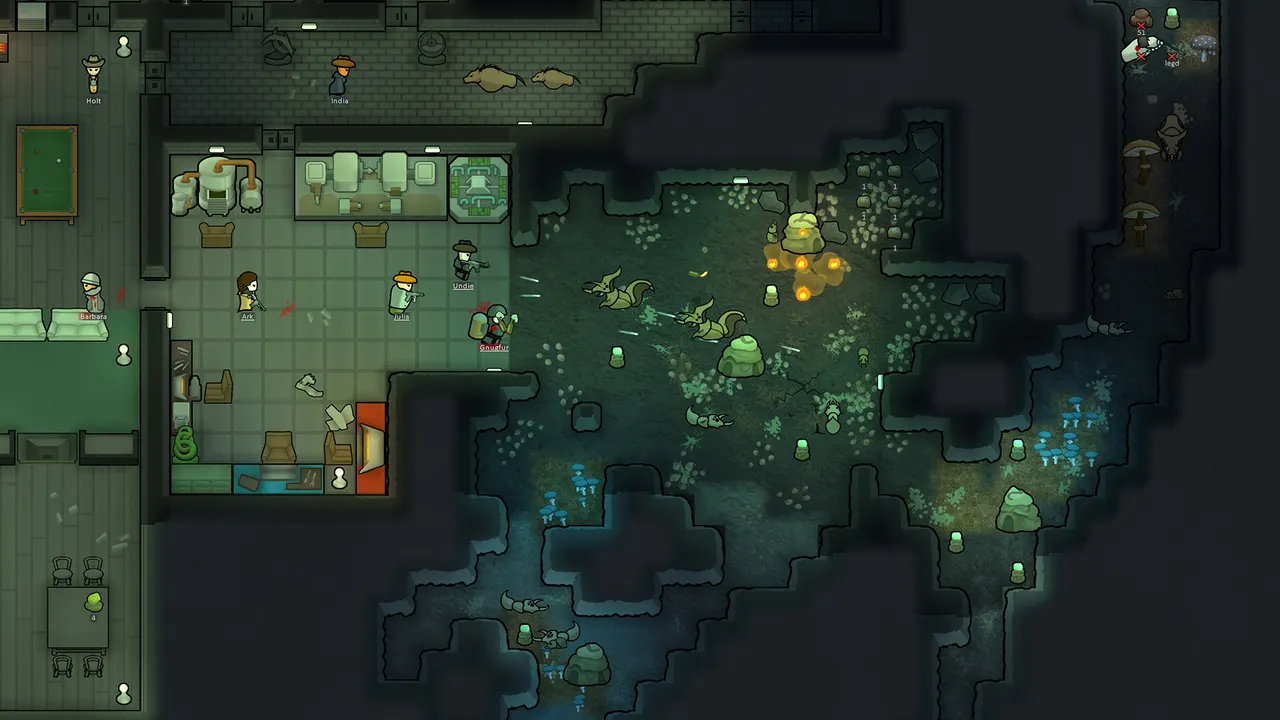
The scene is mature but version-sensitive. Each major RimWorld release updates the game's code and data, and mods declare which versions they support. A typical heavily modded colony runs a mix of large content families such as the Vanilla Expanded series, framework mods, quality-of-life tools and performance mods.
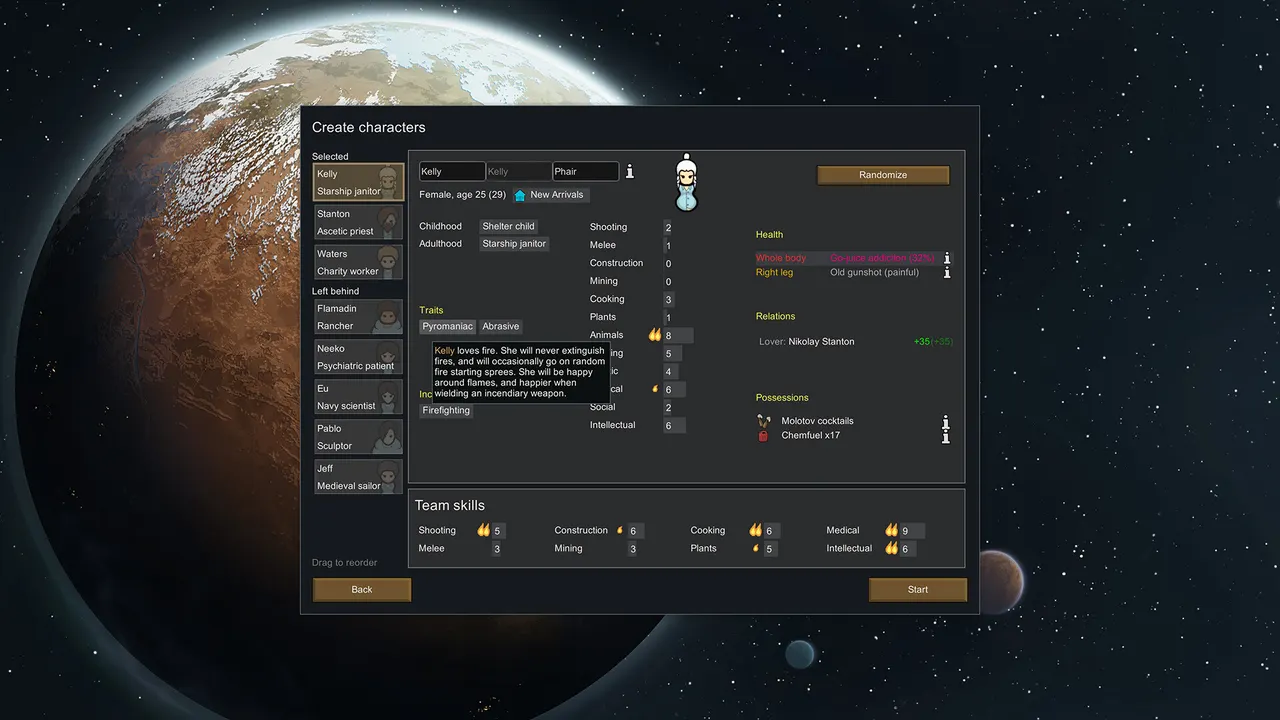
The official expansions matter for mods too. Some mods require a specific expansion, such as Biotech or Ideology, and say so in their requirements; others include optional content that only switches on when you own an expansion. Check the requirements before subscribing, especially for mods that add new races, genes or ideology features.
Before you install anything
- Know your version. It is shown on the main menu. Workshop pages tag supported versions; only use mods that list yours.
- Get Harmony first. Subscribe to the Harmony mod on the Workshop. Many mods list it as a requirement, and it must load at the top.
- Pick a sorter. The vanilla Mods menu is fine for a short list. For more than a few dozen mods, use RimSort.
- Back up saves. They are in your RimWorld user data folder (
AppData\LocalLow\Ludeon Studios\RimWorld by Ludeon Studios\Saveson Windows). Copy it before changing mods on an existing colony. - Plan a new colony. Your first modded game should be a fresh start, especially for overhauls.
Mods worth starting with
| Category | Risk | Why |
|---|---|---|
| Quality of life and interface | Low | Better work tabs, menus and information. Easy to add mid-game. |
| Content packs | Low to medium | New items, buildings, animals and factions. Well-maintained families like Vanilla Expanded integrate cleanly. |
| Performance and diagnostics | Low to medium | Tools like Performance Fish and Dubs Performance Analyzer help large colonies run and help you find slow mods. |
| Mechanics changes | Medium | Hygiene, medical or AI changes alter the feel of the game and need patches with other mods. |
| Overhauls (such as Combat Extended) | High | Change core systems. Need compatible mods and a new colony. |
Our take: start with interface and quality-of-life mods plus one content family. Vanilla Expanded is the natural first choice because its mods are designed to feel like vanilla features and are built on a shared framework. Hold off on Combat Extended or other deep overhauls until you have a stable list you understand.
How people break their game
- Harmony not at the top. Many errors at startup come from Harmony loading below Core or other mods.
- Missing dependencies. Workshop pages list required items, and the Mods menu warns when one is missing. Do not ignore the warning.
- Wrong game version. A mod that does not list your version may half-work and spam errors.
- Removing mods from an ongoing save. Items, buildings, pawns or factions from the removed mod can break the save or throw errors every tick.
- Too many mods, no testing. Adding fifty mods at once makes the first error impossible to trace. Add in small batches and launch after each.
Where to go next
Start with our RimWorld mod installation guide for Workshop and manual installs, and read the RimWorld load order guide before your list grows past a dozen mods.
RimWorld players often enjoy other deep simulation games: our Mount & Blade II: Bannerlord hub covers another Harmony-based mod scene, and Cities: Skylines is another game with a huge Workshop.
RimWorld modding FAQ
Do I need Harmony for RimWorld mods?
Most code mods require it. Harmony is a library that lets mods patch the game's code, and it must sit at the very top of your load order, above Core.
What is the best RimWorld mod manager?
RimSort is the current community favorite: a free, open-source external manager that sorts load order using mods' own rules and a community rules database. The vanilla Mods menu works for small lists.
Can I add mods to an existing RimWorld save?
Most content and quality-of-life mods can be added mid-game. Removing mods from a save is riskier, and big overhauls should start on a new colony.
Why does RimWorld show red errors after installing mods?
Usually a mod is not updated for your game version, a dependency is missing, or the load order is wrong. Read the first red error in the log, which normally names the mod at fault.
Last updated 2026-11-23