Quick answer
Install SMAPI, the Stardew Modding API, using its official installer. Every mod then goes in its own folder inside the game's Mods folder. Launch the game through SMAPI and watch its console: it lists loaded mods, flags missing dependencies and points out outdated ones. Back up your saves, then start with Content Patcher and a few quality-of-life mods.
What modding Stardew Valley is like
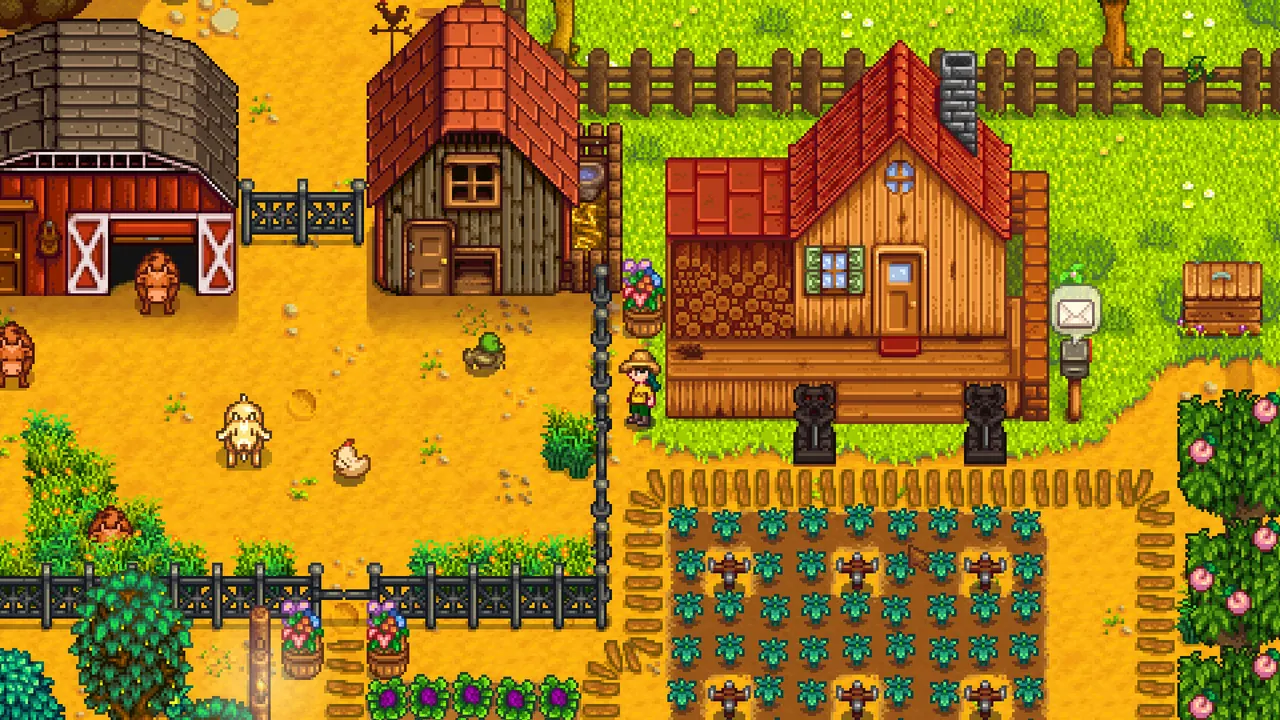
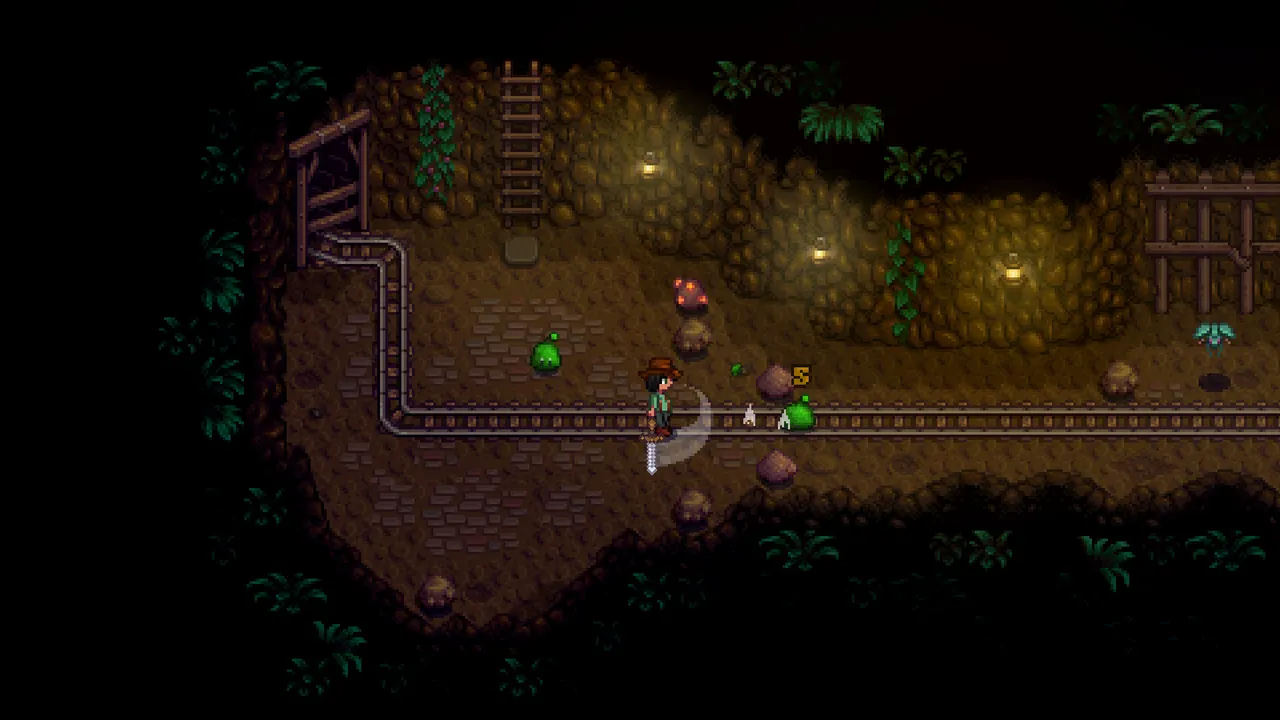
Stardew Valley has one of the cleanest modding setups of any game. Almost everything runs through SMAPI, the Stardew Modding API, maintained by Pathoschild. You install it once, and from then on mods are folders you drop into the game's Mods directory.
SMAPI does more than load mods. Its console window lists every loaded mod, warns when a dependency is missing, flags mods known to be broken, and checks for updates. When something fails, it writes a log you can upload to the official log parser at smapi.io, which formats it so you or a helper can read it. Very few games give players this much diagnostic help out of the box.
The scene has two kinds of mods:
- SMAPI mods (code mods): C# mods that add features or change behavior, like Lookup Anything or Automate.
- Content packs: data and art loaded by a framework mod. Content Patcher, also by Pathoschild, is the big one, and most new content in the scene, from retextures to new NPCs, is a Content Patcher pack.
The game's 1.6 update reworked how game data works and gave modders far more official hooks. Older frameworks that some content packs relied on lost their purpose, and many big mods moved to Content Patcher. If you read an old guide that tells you to install a stack of frameworks, check whether the mod page still lists them as required.
What you need before installing anything
- A PC, Mac or Linux copy of the game. SMAPI supports all three. The console and mobile versions do not support it.
- SMAPI, downloaded from its official page or its Nexus Mods page, installed with the bundled installer.
- A save backup. On Windows, saves live in
%AppData%/StardewValley/Saves. Copy that folder before adding anything big. - A Nexus Mods account, since most of the scene publishes there. ModDrop hosts some mods too.
Keep the game updated. SMAPI and mods track the current version, and running an old game build with new mods causes more problems than it solves.
Mods worth starting with
We'd build a first setup in this order:
- Frameworks your mods need. Content Patcher is required by a large share of content mods. Generic Mod Config Menu adds an in-game settings screen for mods that support it, so you can tweak options without editing files.
- Information mods. Lookup Anything shows details about whatever you point at, including gift tastes and crop timing. It removes the constant wiki tab without changing the game's balance.
- Quality of life. Chests Anywhere and NPC Map Locations save time without playing the game for you.
- Automation, later. Automate turns machines and chests into a self-running factory. It is excellent on a second or third playthrough and arguably too much on a first.
- Big content mods, for a fresh save. Stardew Valley Expanded is the best-known expansion, adding characters, locations and events. Start a new save for it.
Our take: for a first modded run, install Content Patcher, Generic Mod Config Menu and Lookup Anything, and nothing that changes the economy. Stardew is a game about pacing, and the most common regret is installing so much convenience that the farm stops feeling earned.
How people break their game
- Nested folders. Unzipping creates
Mods/ModName/ModName/manifest.json. SMAPI wantsmanifest.jsonone level inside the mod's folder. The console will tell you if it cannot find it. - Missing dependencies. Many mods require Content Patcher or another framework. SMAPI flags this in red; read the console, don't ignore it.
- Removing content mods mid-save. Items, buildings or NPCs from a removed mod can vanish or turn into error items. Back up before uninstalling.
- Launching the wrong executable. If you start the game without SMAPI, no mods load. On Steam, set the launch option the SMAPI installer tells you to.
- Mismatched multiplayer setups. Hosts and farmhands with different content mods will see desyncs or missing items.
Where to go next
Start with our step-by-step guide on how to install Stardew Valley mods with SMAPI. Once you are set up, read Content Patcher vs SMAPI mods to understand what you are installing and how to troubleshoot it.
Also enjoy life sims? The Sims 4 hub covers a very different, loader-free approach to mods and custom content.
Stardew Valley modding FAQ
Do I need SMAPI for Stardew Valley mods?
For almost all modern mods, yes. SMAPI loads code mods directly and loads content packs through frameworks like Content Patcher, which is itself a SMAPI mod.
Can I add mods to an existing Stardew Valley save?
Most quality-of-life mods are safe to add mid-save. Big content mods that add new areas, NPCs or items are better started on a new save, and removing them later can leave missing items behind.
Do Stardew Valley mods work in multiplayer?
Many do, but every player should run SMAPI and content mods generally need to be installed by everyone. Check each mod page for its multiplayer notes.
Are Stardew Valley mods safe?
Mods from Nexus Mods or ModDrop by established authors are widely used. SMAPI's console also warns about known-broken mods. Back up saves before adding anything big.
Last updated 2026-11-23